Install apps
on your head unit
yourself in minutes
Navigation, music, video - no reflashing or dealer visit. Pick your model, connect the head unit via USB and install everything yourself - right on this page, nothing to download.
Started small - the list keeps growing
Each model has its own recommended app bundle. Don't see yours - get in touch; verification usually takes a couple of days.
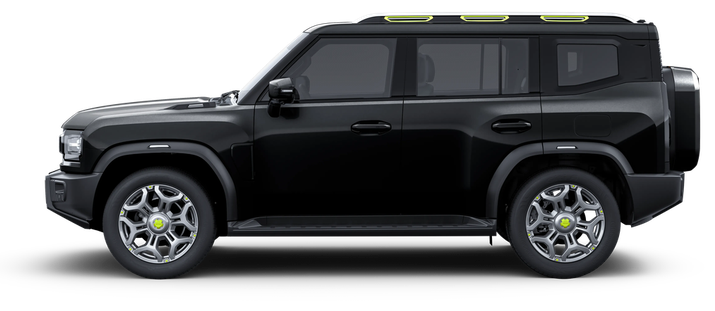
T2
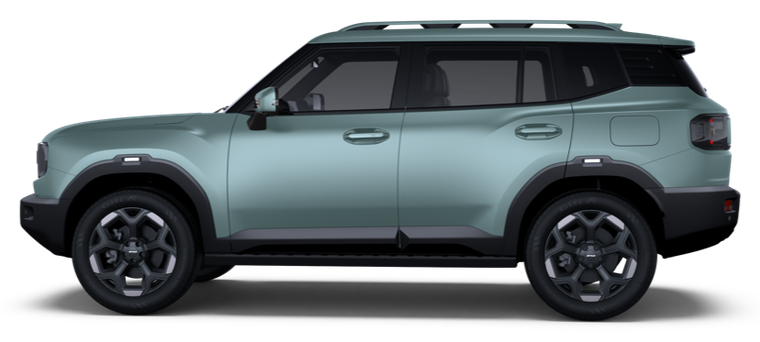
T1
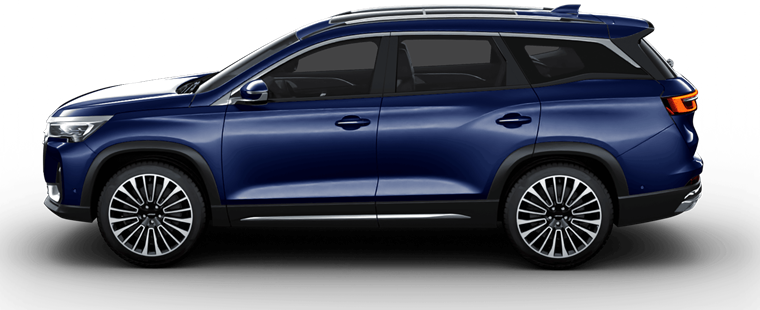
X90 Plus
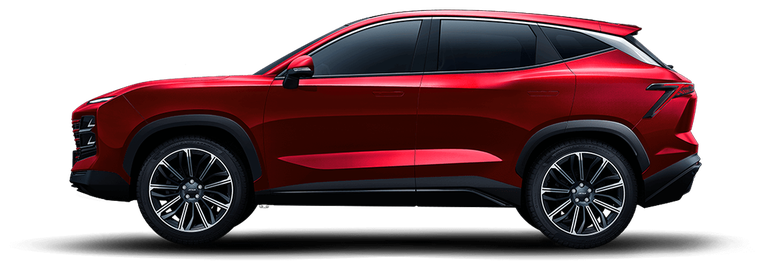
Dashing
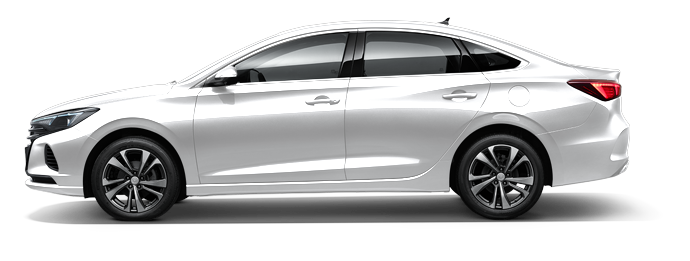
EadoPlus
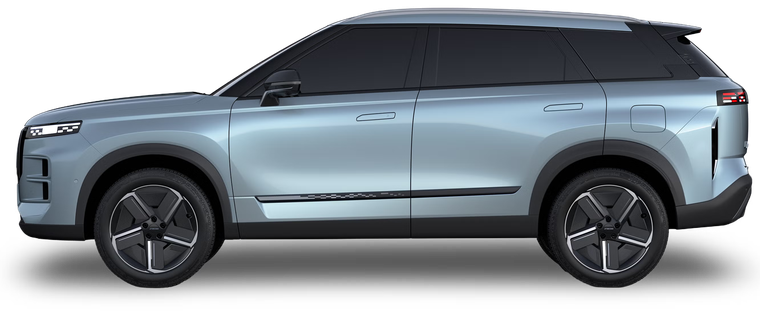
J7
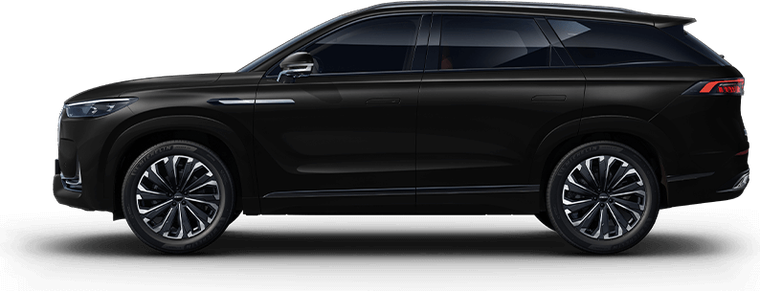
J8
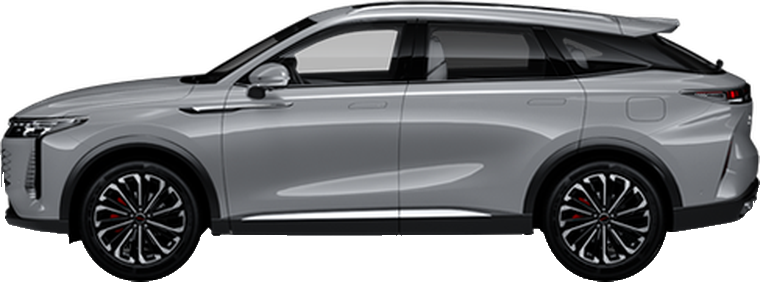
RX
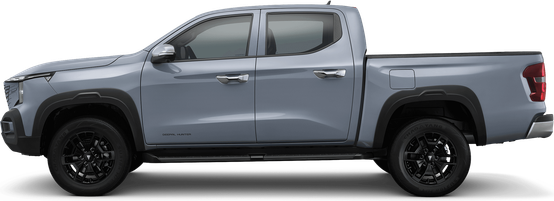
Hunter
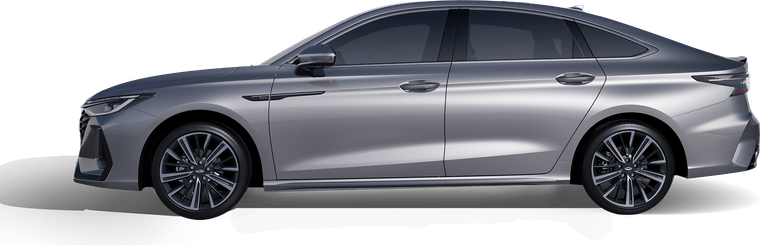
Arrizo 8
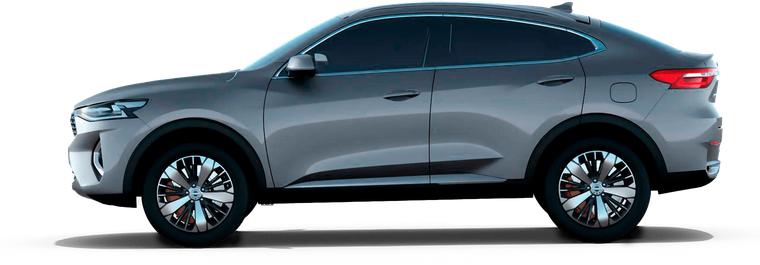
F7 / F7x
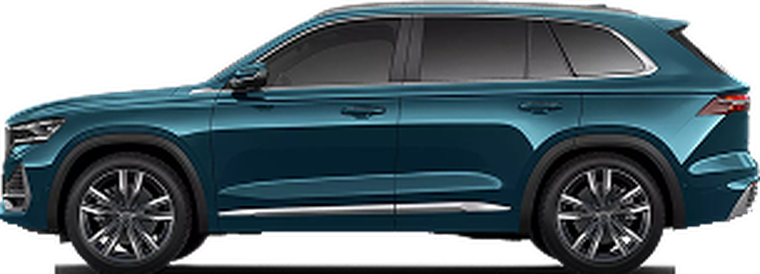
Monjaro
Don't see your model? Read why it may not be listed - and what you can do.
Core bundle - and more
The standard bundle installs on any supported model in one click. See the app catalog for what's inside and why. Need more - install your own APKs in the tool or message us on Telegram.



Built in-house
Three apps I wrote myself - for jobs the stock screen can't handle. Installed from the same installer as everything else.



Four steps to a better drive
Pick your model
All supported models are preconfigured - pick yours.
Connect via USB
Head unit to computer; allow debugging on screen.
Install apps
Recommended bundle in one click or your own APKs - via ADB, no reflashing.
Done
Everything launches and runs - that's it.
Common questions
What is ADB?
ADB (Android Debug Bridge) is Google's official tool for managing Android devices from a computer. It is through it that applications on this site are installed on the GU - directly in the browser, without installing any programs. This is not a hack or a flashing: ADB is built into Android, and service centers use the same method.
Is it safe? Will firmware break?
We do not reflash the device and do not get root - applications are installed through the standard ADB debugging mechanism, in the same way that service centers use. The installation is reversible: on some models, applications are removed directly from the screen, on others - by resetting the multimedia to factory settings. In this case, actions are performed at your own peril and risk: installation of third-party applications may affect the terms of the warranty - check with your dealer for details.
What does it run on?
In the Chrome or Edge browser on your computer (Windows or Mac). There is no need to download or install anything on your computer - everything happens right on the model page.
Can I install from a smartphone?
The site can also work from an Android smartphone - but not from any one. You need OTG (On-The-Go) support and a special OTG adapter to connect the head unit to the phone via USB. Installation on iPhone is not supported - iOS does not have the necessary access to USB.
Head unit not detected - what to do?
Most often the problem is in the cable - try another one that is known to work. Next in order: reboot the head unit, reconnect the cable, check that debugging is enabled (instructions are on the page of your model), and accept the request on the GU screen if it appears. Close programs on your computer that may be using up your USB connection. On Windows, sometimes you need a universal ADB driver - you can download here, after installation, restart your computer. If it doesn’t help, write to us on Telegram and we’ll sort it out.
Can I install my own apps?
Yes - on the page of each model there is an advanced mode where you can upload your APK files. But keep in mind: the memory of head units is very limited, and there are no Google services on them - heavy applications and everything that requires Google Play Services should not be installed. Installing your APKs is at your own risk.
Telegram channel
Garage Tool
Project news, new models, answers to questions. Don't see your model - write us; we'll look into adding it.
Open @garage_tool